
Screenshots

App details
- Updated
- Feb 22, 2010
- Language
- English
- Category
- Mobile
SoftPas in:
This product is also available in the following languages:
About Image Writer
Download Image Writer – create virtual drive, pendrive to cd, memory card to dvd, virtual cd, virtual dvd, virtual drive, create cd image, create dvd image, image writer download, download image writer
Overview
Image Writer is a lightweight utility designed to transform USB pendrives or memory cards into functional CD or DVD image drives. The application enables users to emulate optical disc behavior by creating a virtual drive environment on their computer. This functionality is particularly useful for running legacy software or applications that require the presence of a physical CD or DVD. By storing a CD/DVD image on a USB device, users can simulate the insertion of a disc without needing the original media.
The tool targets users who rely on older programs that are not compatible with modern systems or lack optical drives. It serves as a practical solution for individuals who have lost their installation discs or do not have access to a physical drive. While the app’s feature set is intentionally minimal, its core purpose is well-defined: to bridge the gap between outdated software requirements and contemporary hardware limitations. Its simplicity makes it accessible to users across varying technical skill levels.
Although the developer did not provide additional background information, the application’s long-standing presence since 2010 suggests a stable and reliable tool for niche use cases. The app operates within the Windows ecosystem and remains relevant for users managing legacy systems. Its continued availability indicates ongoing support for specific workflows involving optical media emulation.
Key Features & Functionality
- Virtual Drive Creation: Image Writer generates a virtual drive on the system, allowing the operating system to recognize a USB device as a CD or DVD drive. This enables the execution of disc-dependent programs without physical media.
- Pendrive Emulation: Users can convert a USB flash drive or memory card into a functional optical disc emulator. This is ideal for running software that requires disc-based installation or activation.
- Lightweight Design: At just 1.2 MB, the application consumes minimal system resources. Its compact size ensures fast loading and low impact on overall system performance.
- Simple Interface: The user interface is straightforward and intuitive, requiring no technical expertise. Users can initiate the emulation process with minimal steps, making it accessible to non-technical audiences.
- Legacy Software Support: The tool is particularly effective for accessing older applications that were designed to run only from physical discs, providing a modern workaround for outdated software dependencies.
For example, a user attempting to install an old game or productivity tool from a CD-ROM can use Image Writer to load the disc image onto a USB drive and run the installer as if the original disc were inserted. This eliminates the need for physical media or external optical drives, streamlining the process for users working on modern laptops without disc drives.
Interface, UX & Performance
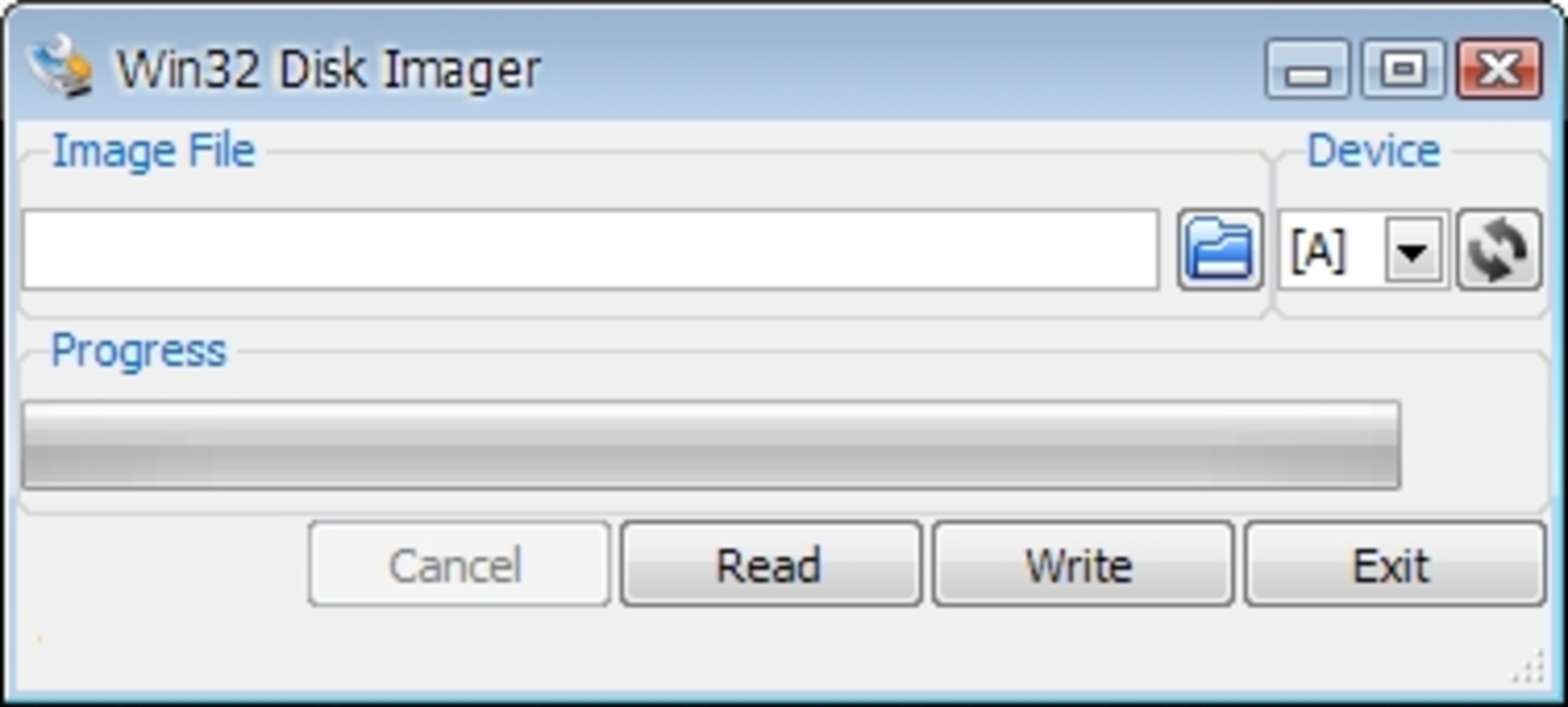
Image Writer features a minimalistic interface focused on core functionality. The layout is clean and uncluttered, with essential controls presented in a linear workflow. Navigation is straightforward, typically involving selecting a USB device and assigning it as a virtual drive. The application does not include advanced settings or configuration options, which aligns with its purpose as a lightweight utility.
Visual style is functional rather than decorative, prioritizing usability over aesthetics. The interface remains consistent across different screen resolutions, ensuring accessibility on a range of Windows devices. Although the developer did not list formal performance metrics, the app’s small file size suggests efficient resource usage. It is designed to launch quickly and operate without significant system lag.
Responsiveness is adequate for basic emulation tasks. The application performs reliably during drive creation and virtualization processes. Stability appears consistent, though specific testing across device categories was not disclosed. The developer did not specify minimum OS requirements or compatibility details, so users should exercise caution when deploying on newer or older Windows versions.
Platform Compatibility & Technical Requirements
Image Writer is designed for the Windows platform and is compatible with Windows operating systems. The software version is 2.0.0.2, with a file size of 1.2 MB. The application is available at no cost, making it accessible to a broad user base.
Although the developer did not specify minimum OS requirements, the app’s release date in 2010 suggests it was originally built for older Windows versions. Users on modern systems may encounter compatibility challenges, though the lightweight nature of the tool increases the likelihood of successful operation. The lack of detailed technical specifications means users should test the application in their environment before relying on it for critical tasks.
Pros and Cons
Pros
- Free to download and use, with no hidden costs.
- Extremely lightweight at only 1.2 MB, minimizing system impact.
- Simple interface suitable for users with limited technical experience.
- Enables legacy software access without physical discs or optical drives.
- Efficiently converts pendrives or memory cards into virtual CD/DVD drives.
Cons
- Functionality is limited to virtual drive creation and pendrive emulation.
- Specific compatibility details with modern Windows versions were not provided.
- No visible update history or recent development activity.
- Limited support for newer file formats or advanced emulation features.
- Developer did not disclose system requirements or installation guidelines.
FAQ
Is Image Writer safe to download and install?
Yes, the application is free and has been available since 2010. However, as with any software, users should ensure they download it from trusted sources to avoid potential security risks.
Can I use Image Writer on Windows 10 or Windows 11?
While the developer did not specify compatibility with modern Windows versions, the app’s lightweight design may allow it to function on newer systems. Users are advised to test it in a controlled environment.
Do I need a physical CD or DVD to use this tool?
No, Image Writer allows users to create a virtual drive using a USB pendrive or memory card, eliminating the need for physical optical media.
Is Image Writer available for Android or iOS?
Image Writer is designed exclusively for the Windows platform. There is no official version available for Android or iOS devices.
How do I update Image Writer?
The developer did not provide information on update frequency or channels. Users should check the official source for any available updates.
Final Thoughts
Image Writer remains a niche but valuable tool for users managing legacy software in a modern computing environment. Its ability to transform a USB drive into a virtual CD or DVD drive offers a practical workaround for outdated software dependencies. While its feature set is limited, the application delivers on its core promise with simplicity and efficiency.
It is particularly beneficial for users who frequently work with older programs, educational institutions preserving archived software, or IT professionals supporting legacy systems. The free price point and minimal system requirements make it an accessible option for a wide audience.
Despite the lack of recent updates or detailed compatibility information, the app continues to serve a specific need in the utility space. For those seeking a straightforward way to emulate optical drives on Windows, Image Writer offers a reliable, no-frills solution.
Download Image Writer now
Guides & Tutorials
How to install Image Writer
- Click the Download button above.
- Once redirected, accept the terms and click Install.
- Wait for the Image Writer download to finish on your device.
How to use Image Writer
This software is primarily used for its core features described above. Open the app after installation to explore its capabilities.
User Reviews
No reviews yet. Be the first to share your experience.
You may also like
more
Que no te pillen¡
About !Que no te pillen¡Reviewed by Jason A. BilbreyShow MoreShow Less

3D Combat Zone
About 3D Combat ZoneOriginally released in 1983, 3D Combat Zone immerses players...

666: El día del portal
About 666: El día del portalOn June 6, 2006, Agent P. Stone uncovers a sinister...

80 in 1 Best Flash games
About 80 in 1 Best Flash games 80 in 1 Best Flash games is a collection of 80 fl...

ABYSS SEEKERーーWhat Do You See Deep in The Abyss
About ABYSS SEEKERーーWhat Do You See Deep in The AbyssIn ABYSS SEEKER, players...

ACA NEOGEO THE KING OF FIGHTERS 2002 for Windows
About ACA NEOGEO THE KING OF FIGHTERS 2002 for WindowsTHE KING OF FIGHTERS 2002,...